Skip to content
bx66 Live / Sports
LIVE LOBBY

bx66 — Cricket Markets, Live Tables and Slots in One Account

Your bx66 account reaches IPL and BPL cricket betting markets, Baccarat VIP Circle live tables and Slot ThunderStrike in the same lobby — switch between them without logging out. Deposit through bKash or Bank Transfer right from the account wallet; availability depends on your local law and eligible region.

bKash Nagad Rocket
Browse games
CONTENT / 01

Open Slot ThunderStrike or Baccarat VIP Circle First

Two titles come up most often when new accounts start exploring the lobby. Slot ThunderStrike is a Habanero slot with a multi-line setup and an in-game feature round — the mechanics are visible in the game panel, and RTP is shown only where Habanero exposes it there.

  • Slot ThunderStrike

    Slot ThunderStrike is available in the slots rail of the bx66 lobby. It carries a multi-line feature format and the in-game info panel shows the mechanics before you start. RTP is displayed only where Habanero exposes that data in the interface — check the panel rather than relying on external estimates when you want the verified figure.

  • Baccarat VIP Circle

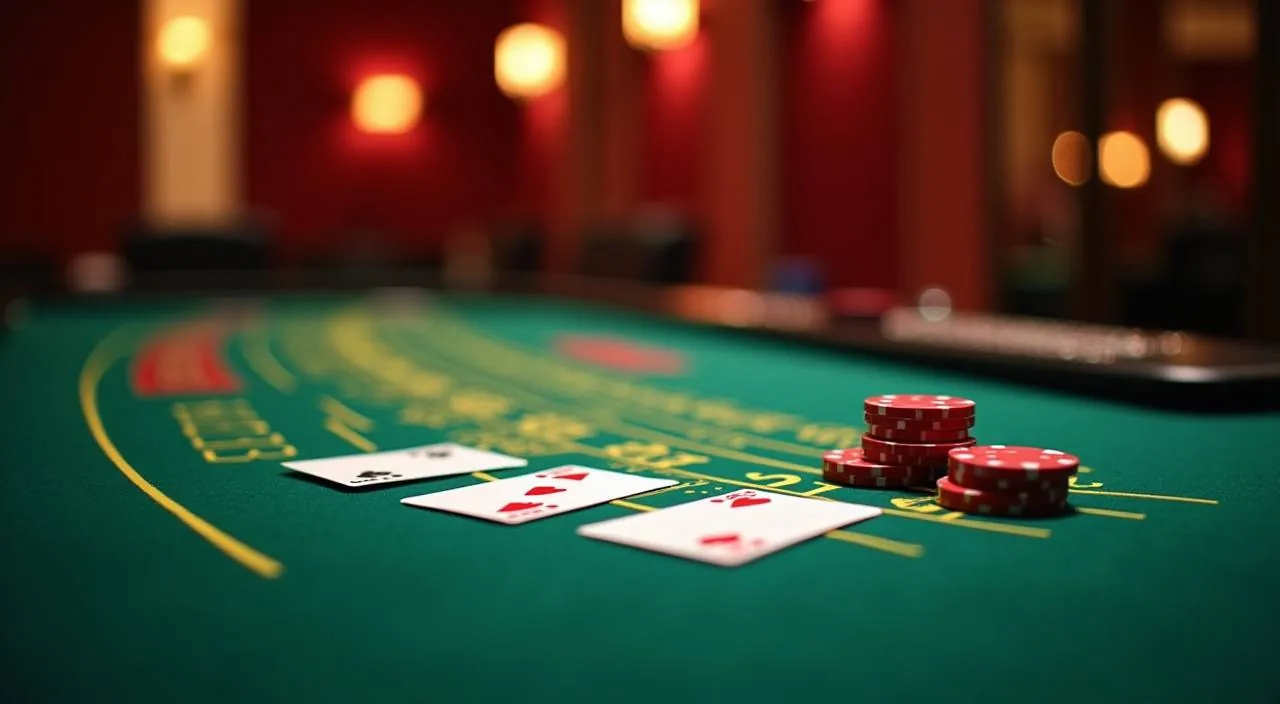
    Baccarat VIP Circle is a live dealer baccarat table inside the live casino section. Stake ranges and side-bet options are shown on the table interface before you join a seat.

  • Roulette Red Green

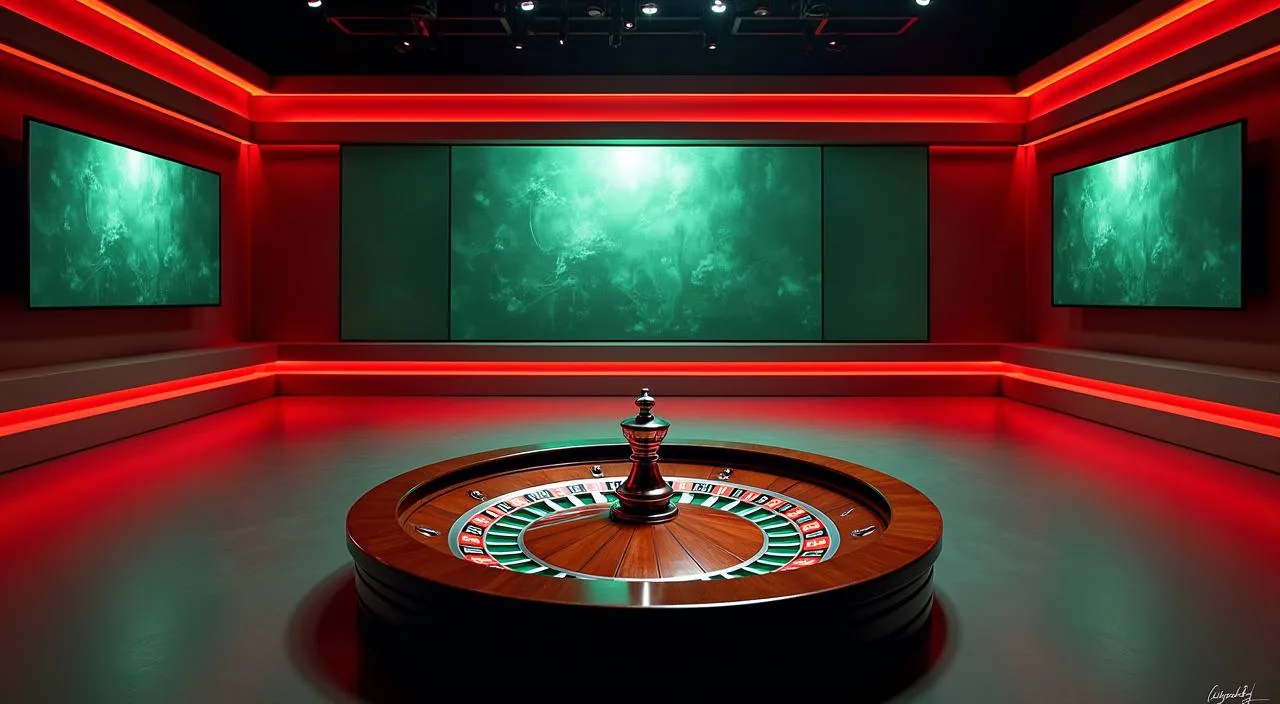
    Roulette Red Green is a table game with payout ratios printed on the in-game layout. It is available in the table games section of the lobby and loads on both mobile and desktop browsers.

FEATURE BRIEF / 05

Switch Between Cricket and Casino After the Match

When a BPL or IPL match ends, most people want somewhere to keep that energy going. Inside bx66 the transition is a single tap — your sportsbook and live casino sit under the same account, so your wallet balance moves with you instantly.

Game feature guide
  • Live Cricket Scene

    Live Cricket Scene sits in the casino lobby and captures the match-watching rhythm Bangladesh players already have. Open it from the live casino tab when a game is running and you will find the table responding to the pace of play — a natural extension of your matchday account session rather than a separate product.

  • Football StrikeZone

    Football StrikeZone bridges the sportsbook and the casino floor for players who follow club and national football. It carries a sports-style visual rhythm that feels familiar after checking a match result. Find it in the casino games rail and open it directly — no category change needed to get there from the sports section.

  • Aviator Bangladesh Guide

    Aviator Bangladesh Guide is a crash-format title that fits naturally between sports events — short rounds, visible multiplier movement and a cash-out decision the player controls.

DISCOVER / 01

Choose your game

Full lobby
GAME NETWORK
Microgaming
CQ9
Bigtime Gaming
Spadegaming
Habanero
CONTENT / 04

bx66 lobby studios

The bx66 lobby carries content from Microgaming, CQ9, Bigtime Gaming, Spadegaming, Habanero. To check the studio, rules or features of one specific game, open that game card or the published information panel.

  • Microgaming

  • CQ9

  • Bigtime Gaming

  • Spadegaming

  • Habanero

TRUST / 03

Reach Support Through Your bx66 Account

If something in your account is not working — a deposit that has not updated, a game that will not load, or a withdrawal that needs checking — there are published routes to reach the support team without leaving the platform.

  • Live Chat

    Live chat is available inside your signed-in account — open the help icon from the main navigation bar and the chat window loads directly on the same screen. It is the fastest route for straightforward questions about game access, account navigation or a payment status that shows as pending. Have your account username ready when you open the chat.

  • Email Support

    Email support handles queries that need documentation — a bKash transfer that did not reflect in your wallet balance, a Bank Transfer reference that needs matching, or an account verification step you cannot complete on screen. Attach a screenshot of your mobile wallet transaction record when you write; it speeds up the matching process on our side considerably.

  • Account Help Centre

    The help centre inside your account covers common steps: how to update wallet details, where to find your transaction history, and how to read the payment status column. Check it before raising a support ticket — many deposit and withdrawal questions are answered there with step-by-step field descriptions that match exactly what you see on your account screen.

Learn more →
LOCAL PAYMENTS

Deposit Through bKash, Nagad or Bank Transfer

Your bx66 account wallet is the central point for all deposits and withdrawals — every payment method you add connects there, and your balance is visible in the same place whether you are on the sportsbook or in the casino lobby.

  • bKash

    Enter your bKash mobile number on the deposit screen, confirm the amount and complete the transfer inside your bKash app. The balance update appears in your account wallet once bKash confirms the transaction on their end. For withdrawal, the amount returns to the same bKash number. Keep your bKash app accessible when starting a deposit session.

  • Nagad

    Nagad deposits follow the same flow as bKash — enter your Nagad-registered mobile number, set the amount within the limits shown on screen and confirm through your Nagad app. Your account wallet reflects the deposit after Nagad sends the confirmation signal. Withdrawals to Nagad use the same number and are requested from the account wallet section.

  • Rocket

    Rocket is available as a mobile wallet deposit route for players who hold a Rocket account as their primary payment method. The deposit screen shows the steps: enter your Rocket number, confirm the amount and authorise through the Rocket app. Minimum and maximum amounts for Rocket are listed on the deposit screen — check those before entering a figure.

  • Bank Transfer

    Bank Transfer is suited to larger deposit amounts. The deposit screen generates a reference code that you must include when making the bank payment — this is what links the transfer to your account.

Banking
BX66
Mobile casino lobby
Popular Live Slots
Live Cricket Scene Roulette Red Green Slot ThunderStrike
MOBILE LOBBY

Built for phones, clear on desktop

Cards, tables, FAQ and policy pages stay easy to read on smaller screens.

  • Quick categories
  • Mobile first
  • Access
App
CONTENT / 03

Open the Full Account on Any Mobile Browser

The bx66 lobby runs in a mobile browser without requiring a separate download — open your phone's browser, navigate to bx66, sign in and you reach the full account including sports markets, live casino tables and the slots rail.

  • No Download Needed

    The full bx66 lobby runs in your phone's browser — no install, no app store step and no storage space used on your device. Navigate to bx66, sign in and every section of the account is available: sports markets, live tables, slots and the wallet.

  • bKash Deposits on Mobile

    When you start a bKash deposit from a mobile browser session, the deposit flow opens your bKash app directly from the browser — you confirm the amount there and the wallet balance updates in your account without needing to copy numbers or switch screens

  • Live Tables and Slots on 4G

    Live dealer tables stream in real time, so the quality of your connection affects the visual experience directly. A 4G or Wi-Fi connection keeps Baccarat VIP Circle and Roulette Red Green running smoothly.
ACCOUNT JOURNEY

Get From Registration to First Deposit in Four Steps

Opening a bx66 account follows a short sequence — the registration page asks for an email address, a password and your preferred currency. After submitting, a confirmation email arrives at the address you entered; follow the link inside it to verify the account and reach the authenticated home screen.

  1. Register

    Open the registration page, enter your email and set a password. The form is one screen — fill the required fields and submit.

  2. Verify Email

    Check the inbox for the address you entered. Open the confirmation email and follow the verification link to activate your account.

  3. Choose Payment Method

    Go to the deposit section of your account wallet. Select bKash, Nagad, Rocket or Bank Transfer and follow the steps shown on the deposit screen.

  4. Start in the Lobby

    Once the deposit confirms and your balance updates, open any section — sports markets, live casino or slots — from the main navigation bar.

MEMBER DESK / 06

Offers, support and account controls

01

Game lobby

02

Payment guide

03

Support

ACCOUNT DESK

Account information

Review current account information after signing in.

Login
ACCOUNT STANDARDS

Account Controls and Fair Access at bx66

Account security and fair access are built into the platform at the level you can actually verify — through the account settings, the transaction history and the support routes.

  • Transaction History

    Every deposit, withdrawal and game session is recorded in the transaction history log inside your account. The status column shows whether a payment is pending, confirmed or returned. Before raising a support query about a missing balance, check this log first — the reference number shown there is what support uses to locate your transaction on the platform side.

  • Account Verification

    Your account is activated through an email confirmation link sent at registration. Payment methods are linked to the mobile number associated with your bKash or Nagad account.

  • Game Fairness Panel

    RTP and game mechanic details are shown only inside the game interface where the studio publishes them — check the info or paytable panel inside each title from Microgaming, CQ9, Bigtime Gaming, Spadegaming or Habanero for the verified figures. We do not reproduce those figures externally because only the studio's in-game panel carries the authoritative version.

  • Account Security Settings

    Change your password and review linked payment methods from the account settings page at any time. If you think your login has been accessed without your permission, update the password immediately from settings and follow up with the support team through liv

PLAYER INDEX / 07

Common Terms You Will See in Your bx66 Account

Some of the labels and terms inside the bx66 account area can look unfamiliar the first time you see them — especially in the wallet and information sections. This section explains what they mean in the context of your account so you can move through the platform without guessing.

Player guide and glossary
  • What does 'pending' mean in my transaction history?

    A pending status means the payment has been submitted but the receiving side has not yet confirmed it. For bKash and Nagad, this usually resolves once the mobile wallet provider sends the confirmation signal. For Bank Transfer, pending can last longer because the bank confirmation cycle varies.

  • What is a payment reference code and why does it matter?

    A payment reference code is the unique identifier generated by the deposit screen when you choose Bank Transfer. You must include this code in the bank transfer description field when you make the payment. Without it, the processing team cannot automatically match your bank payment to your account.

  • What does 'wagering condition' mean in a information?

    A wagering condition is a number that tells you how many times you need to play through an offer amount before any resulting balance can be withdrawn. The specific figure and the games that count toward it are both written in the offer terms inside your information tab.

  • What is RTP and where can I check it?

    RTP stands for return to player and represents the theoretical percentage of stakes a game returns over a large number of rounds. bx66 only displays RTP where the game studio — Microgaming, CQ9, Bigtime Gaming, Spadegaming or Habanero — publishes it inside the game interface.

  • What does 'eligible region' mean on the account terms page?

    Eligible region refers to the list of locations where account registration and access are available based on local law and the platform's own terms. Whether you can register and use your bx66 account depends on the laws in your location. The terms page inside your account lists the conditions that apply.

  • What is the account wallet and how is it different from a payment method?

    Your account wallet is the internal balance held inside your bx66 account — it is the balance you use to place bets and open games. A payment method like bKash or Bank Transfer is how you move money into and out of that wallet.

Full glossary
LOBBY / 02

One mobile lobby, distinct game areas

Live Cricket Scene Sports Live Cricket Scene Access → Roulette Red Green Live Roulette Red Green Access → Slot ThunderStrike Slots Slot ThunderStrike Access → Football StrikeZone Sports Football StrikeZone Access → Aviator Bangladesh Guide Slots Aviator Bangladesh Guide Access → Baccarat VIP Circle Live Baccarat VIP Circle Access →
EXPLORE FURTHER / 04

Explore detailed guides

Local lobby check

QUICK ANSWERS

Frequently asked questions

These are the questions new accounts ask most often before or just after their first session — covering the deposit process, account access, game availability and support routes. Each answer reflects how the platform actually works rather than a generic response, so you can follow the steps described directly inside your account.

Read FAQ →
How do I deposit using bKash at bx66?

Go to the deposit section of your account wallet and select bKash from the payment method list. Enter the mobile number linked to your bKash account, set the deposit amount within the minimum and maximum limits shown on screen, and confirm. The deposit flow then opens your bKash app so you can authorise the transfer there.

Can I access bx66 on my phone without downloading an app?

Yes. The full bx66 account runs in a mobile browser — open bx66 in your phone's browser, sign in and the complete lobby is available including sports markets, live casino tables and the slots rail. There is no separate install step. The layout adjusts to your screen size and the bottom navigation bar gives you access to every section.

Which cricket markets are available at bx66?

bx66 offers cricket betting markets covering IPL and BPL matches alongside international cricket fixtures. Markets are listed in the sports section of the lobby. Availability for specific matches depends on the schedule and the market type — open the sports tab when a tournament is running to see the current fixtures and market options for that event.

What should I do if my deposit does not appear in my account wallet?

First check the transaction history inside your account — the status column shows whether the payment is pending confirmation or has already been processed. If it shows confirmed but your balance has not updated, contact support through live chat with your transaction reference from the bKash, Nagad or bank record.

Are the games at bx66 fair?

Game content comes from five configured studios: Microgaming, CQ9, Bigtime Gaming, Spadegaming and Habanero. Each studio manages game fairness within their own titles. RTP and mechanic information is shown only inside the game interface where the studio publishes it — open the info or paytable panel inside a game to check whether those details are available.

How does Bank Transfer work for withdrawals?

Request a withdrawal from the account wallet section and select Bank Transfer as the method. The withdrawal screen asks for your bank account number and the details. Processing time depends on the bank's confirmation cycle — check the transaction status column in your account history rather than assuming a fixed timeframe.

How do I contact support if I have an account problem?

Open the help icon from the navigation bar inside your signed-in account to reach live chat — the fastest route for straightforward questions. For issues that need documentation, such as a payment that did not match or an account verification step you cannot complete, use the email support route and attach any relevant screenshots or transaction records.

Can I switch between the sportsbook and casino in the same session?

Yes. Your bx66 account connects the sportsbook and casino under the same wallet and login. The sports tab and casino rail are both visible in the main navigation, so you can move between an open cricket market and a live casino table without logging out or transferring funds between sections.

READY WHEN YOU ARE

bx66 game lobby

Access may be available only where local law permits.

Register Login